How to Upgrade Your PC or Laptop
From Windows 10 to Windows 11
Learn how to upgrade to Microsoft Windows 11
easily and for free with no mistakes in 4 easy steps...
How to check if your PC is compatible with Windows 11
- Visit: https://www.microsoft.com/en-gb/windows/windows-11
- Scroll to the very bottom of the page and click on download PC health check app.
- Direct link: https://aka.ms/GetPCHealthCheckApp
- Open and install the Windows 11 compatibility (PC health check app)
- Once the health check app is open simply use the check now button to quickly see if your system is compatible.

See how its done:
How to upgrade your PC to Windows 11 for Free
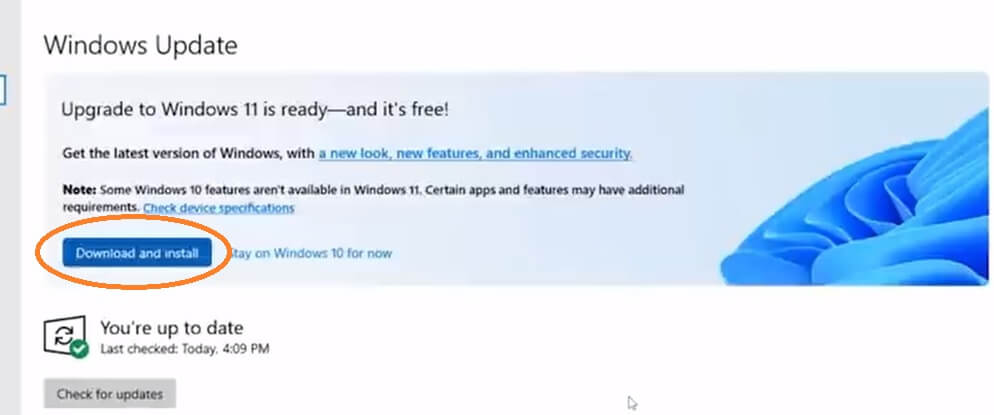
Once you have run the Windows 11 health check app to establish your PC is compatible you can go to Windows update and get your free upgrade to Windows 11.
To access Windows updates just type "update" in the windows 10 search bar and select "check for updates". The option to automatically download and upgrade to Windows 11 will appear at the top of the Windows update window when it's available.
gorazy.com open internet promise...
We believe in a free and open internet. Our users are never and will never be tracked! You will never see pointless annoying pop-ups or be asked to allow notifications. If you like the sound of an internet more like this share the message.